Train Smart. Work Smarter.

April 22, 2026 admin
Debouncing and Throttling
Debouncing and throttling are techniques used to control how often a function is called in response to frequent events. Here’s a breakdown of both concepts with examples:
Debouncing:
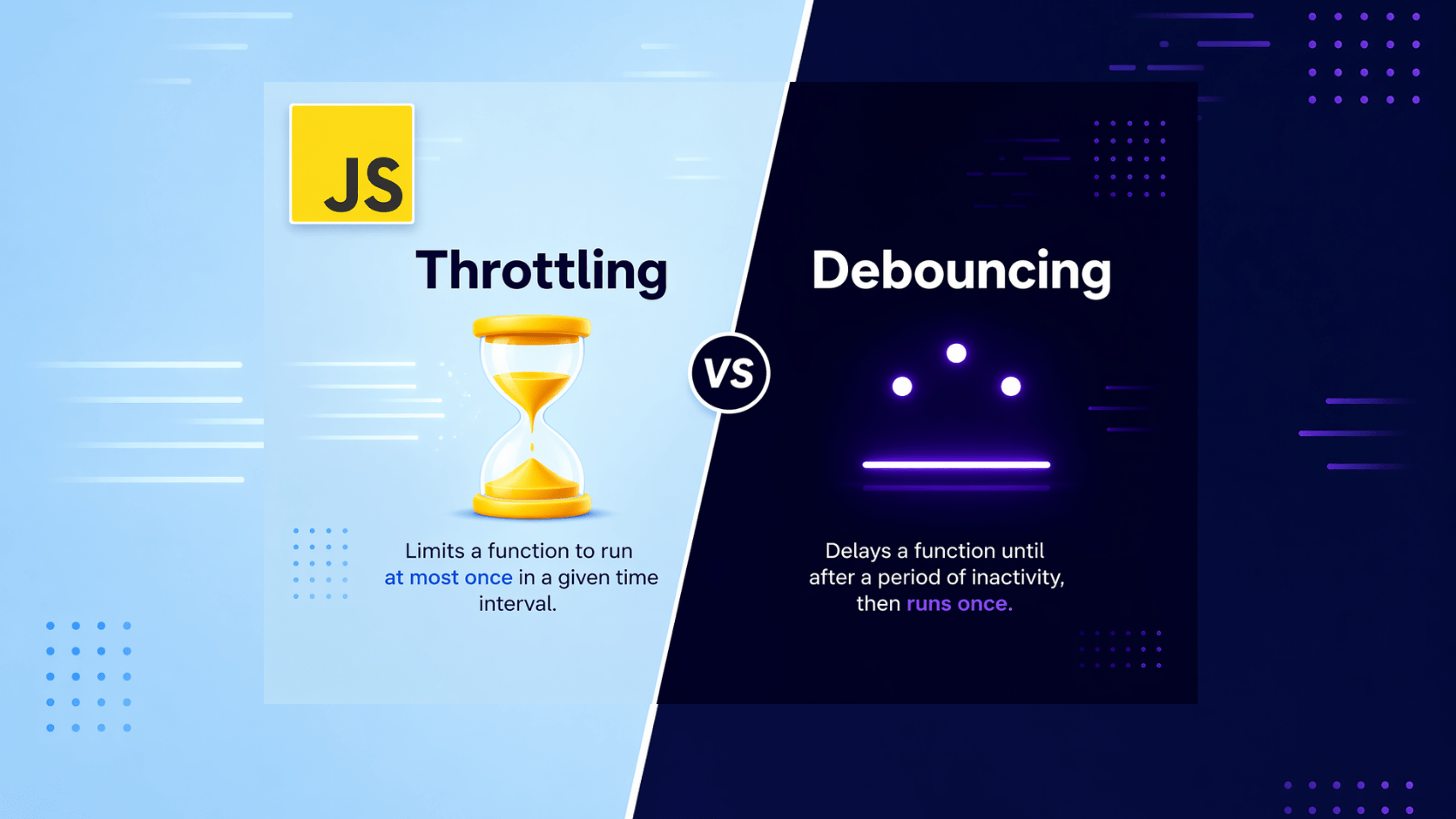
Debouncing ensures a function is called only once after a period of inactivity following a series of events. It’s like waiting for a moment of calm before acting.
Example: Imagine a search bar where you want to fetch suggestions as the user types. With every keystroke, triggering an API call might be excessive. Debouncing can delay the call until the user stops typing for a specific time (e.g., 200 milliseconds). This optimizes performance and provides a smoother user experience.
Here’s a simplified JavaScript example of debouncing:
function debounce(func, delay) {
  let timer;
  return function(...args) {
    clearTimeout(timer);
    timer = setTimeout(() => func.apply(this, args), delay);
  };
}

const searchInput = document.getElementById('search');

searchInput.addEventListener('keyup', debounce(() => {
  // Fetch suggestions based on search term here
}, 200));
Throttling:
Throttling ensures a function is called at most once within a specific time interval, regardless of how many times the event fires. It’s like putting a speed limit on the function’s execution.
Example: Consider a window resize event. If the window is resized rapidly, you might not want to constantly update the layout. Throttling can limit the layout update function to be called only once every, say, 100 milliseconds.
Here’s a basic JavaScript example of throttling:
function throttle(func, delay) {
  let shouldWait = false;
  return function(...args) {
    if (!shouldWait) {
      func.apply(this, args);
      shouldWait = true;
      setTimeout(() => shouldWait = false, delay);
    }
  };
}

window.addEventListener('resize', throttle(() => {
  // Update layout here
}, 100));
Choosing Between Debouncing and Throttling:
- Use debouncing when you only care about the final state after a series of events (e.g., search suggestions).
- Use throttling when you want to limit calls at a specific rate, even during the event (e.g., window resize).
