Train Smart. Work Smarter.

April 17, 2026 admin
Rollup
Rollup Example: Bundling JavaScript Modules
📌 Scenario
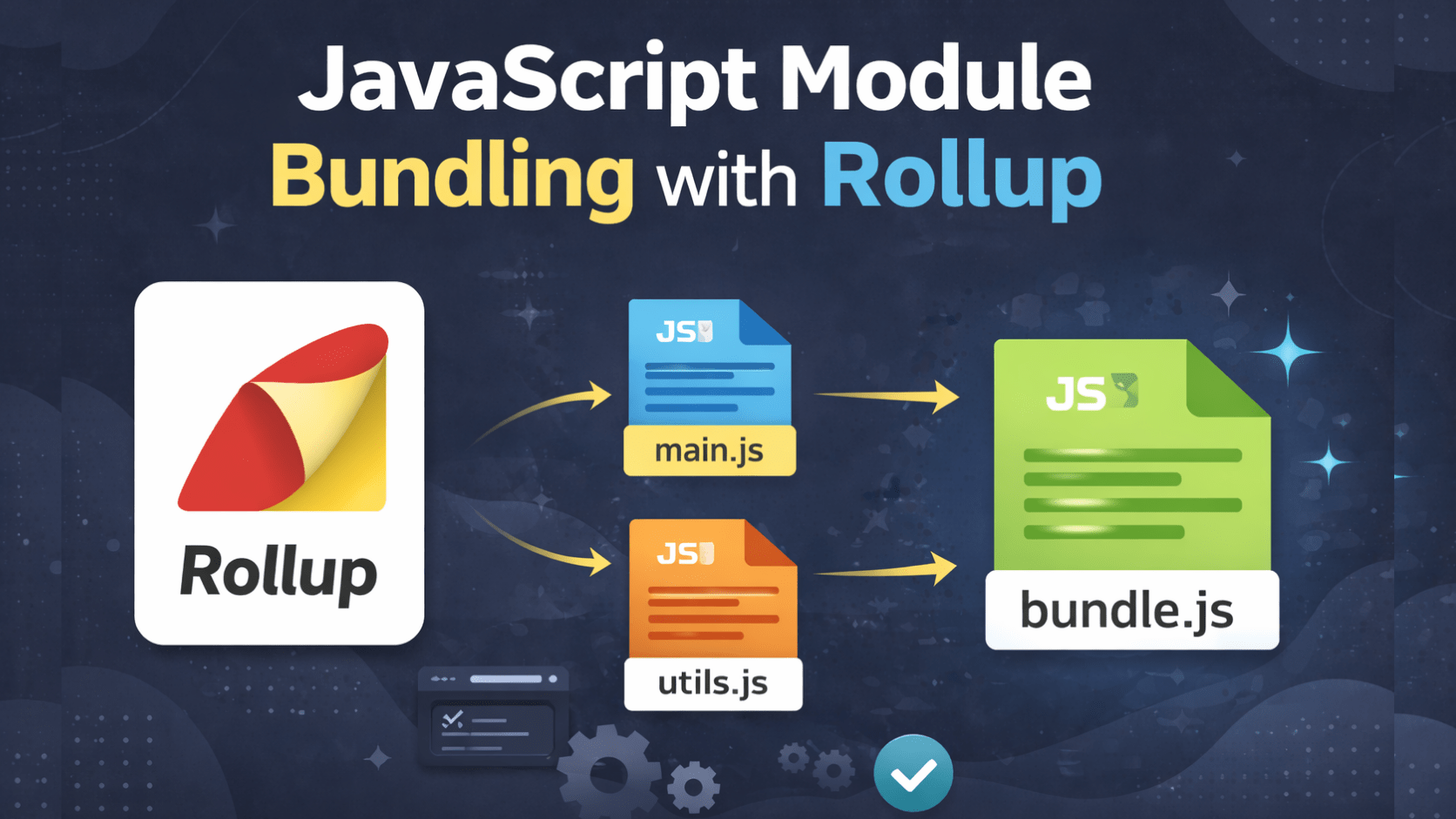
You have two separate JavaScript files:
- main.js → Main application file
- utils.js → Contains reusable utility functions
Instead of loading multiple files in the browser, you can use Rollup to bundle everything into a single optimized file.
import { multiply } from './utils.js';

const number = 5;
const result = multiply(number, 2);

console.log(result); // Output: 10
import { multiply } from './utils.js';

const number = 5;
const result = multiply(number, 2);

console.log(result); // Output: 10
export function multiply(a, b) {
  return a * b;
}
Rollup Configuration (rollup.config.js):
export default {
  input: 'main.js', // Entry point of your application
  output: {
    file: 'bundle.js', // Output filename for the bundled code
    format: 'iife', // Format for the bundled code (Immediately Invoked Function Expression)
  },
};
Explanation:
- input: This specifies the entry point (
main.js) where Rollup starts bundling the code. - output: This defines the output options:
- file: The filename for the bundled code (
bundle.js). - format: The format for the bundled code. Here,
iifecreates a self-executing function that wraps your code, making it suitable for direct inclusion in a web page.
- file: The filename for the bundled code (
Running Rollup:
- Install Rollup globally using
npm install -g rollup. - In your terminal, navigate to your project directory and run:
rollup -c // Use the configuration file (rollup.config.js)
This will create a bundle.js file containing the combined and optimized code from main.js and utils.js.
Benefits of using Rollup:
- Modular code: Organize your code into smaller, reusable modules.
- Reduced bundle size: Rollup optimizes the bundle by removing unused code and dependencies.
- Improved performance: Smaller bundles load faster, leading to a better user experience.
